Mesa, AZ
IDEA Museum: An engaging and interactive experience for kids.
Scroll ↓
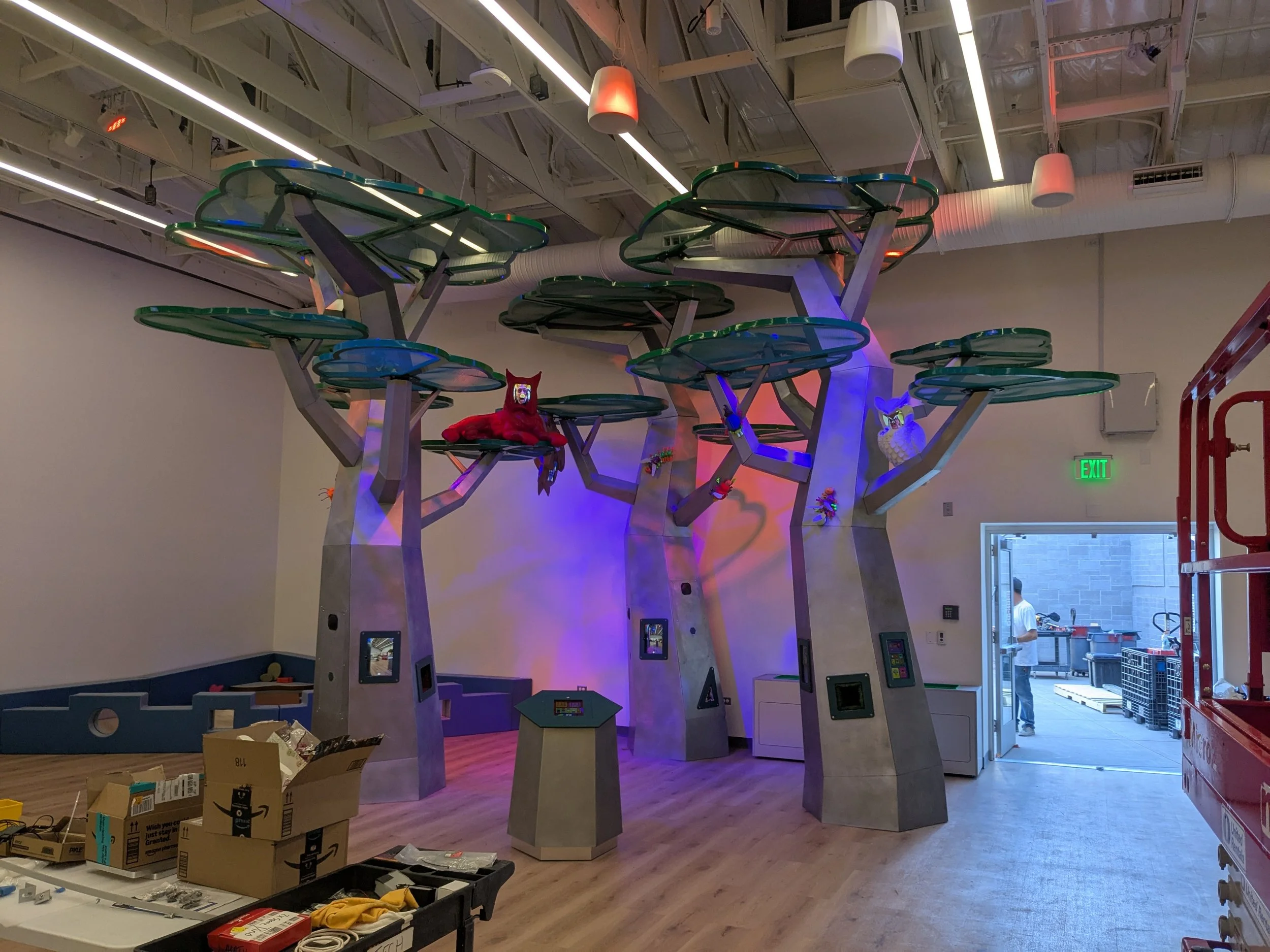
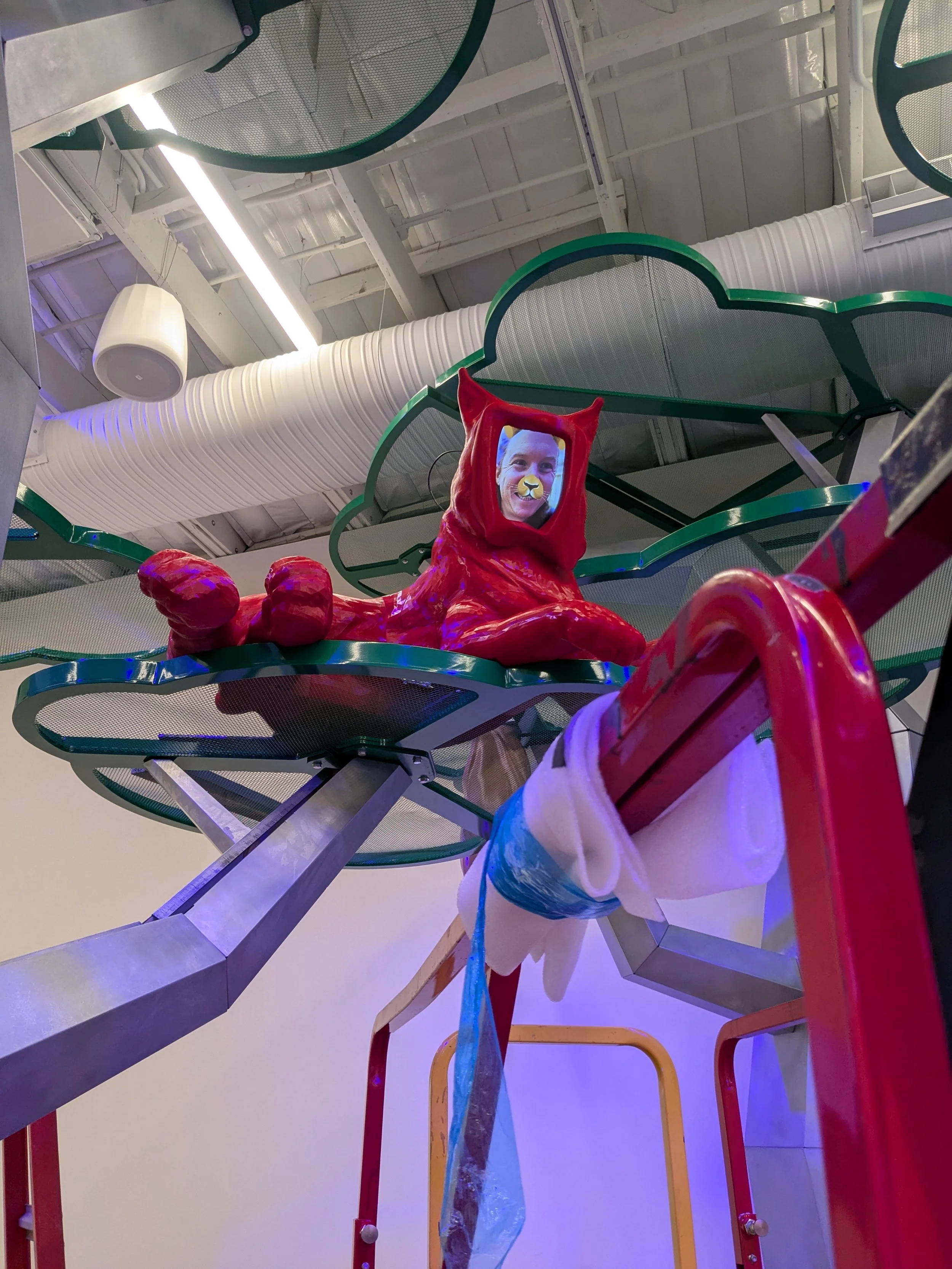
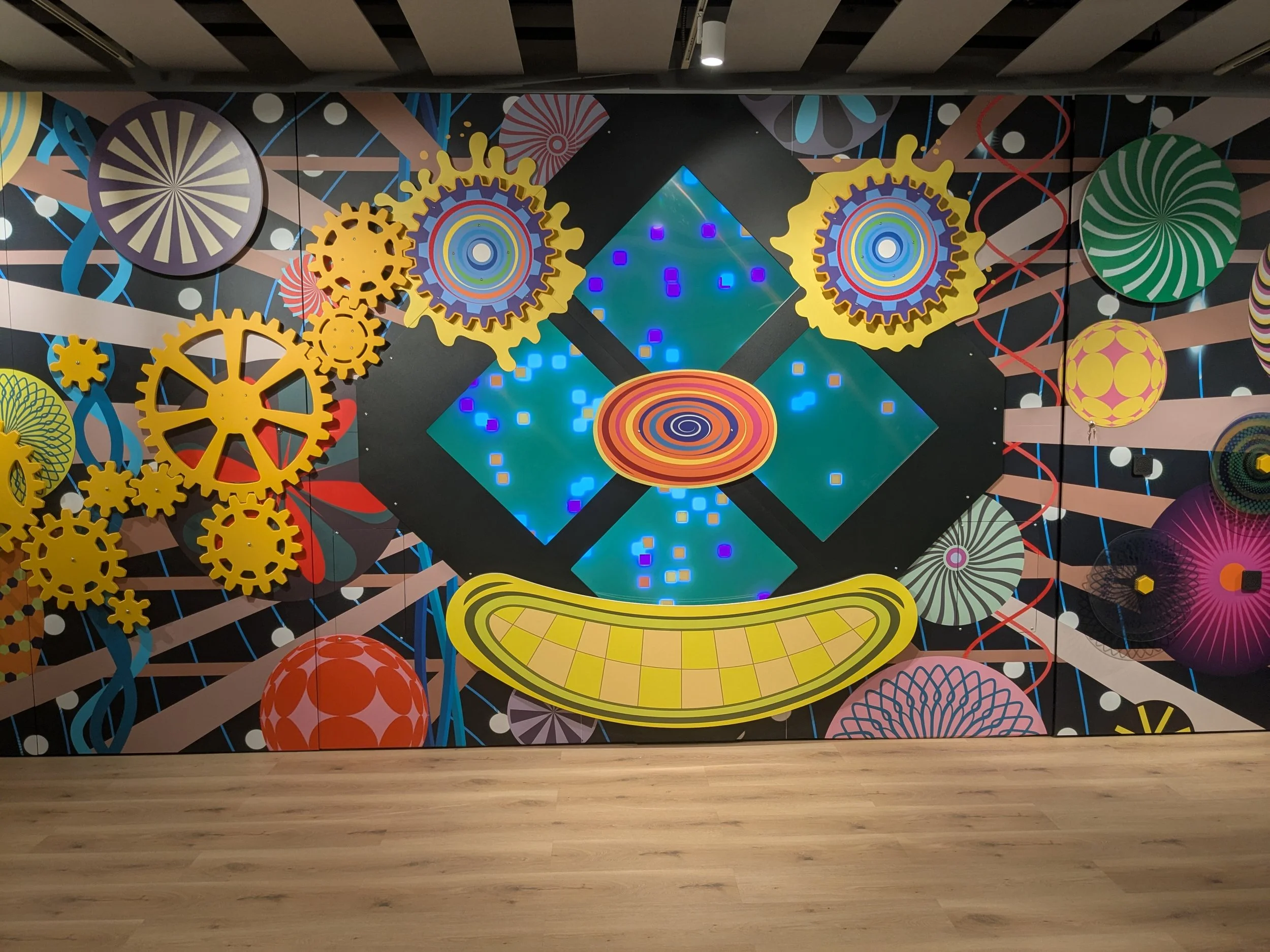
My main contributions to our IDEA museum install included an interactive wall with a generated art centerpiece, tablet stations where users could control the sound and lighting of the space, and tablets embedded in trees where users could take a selfie to put on a 3d printed animal’s face.
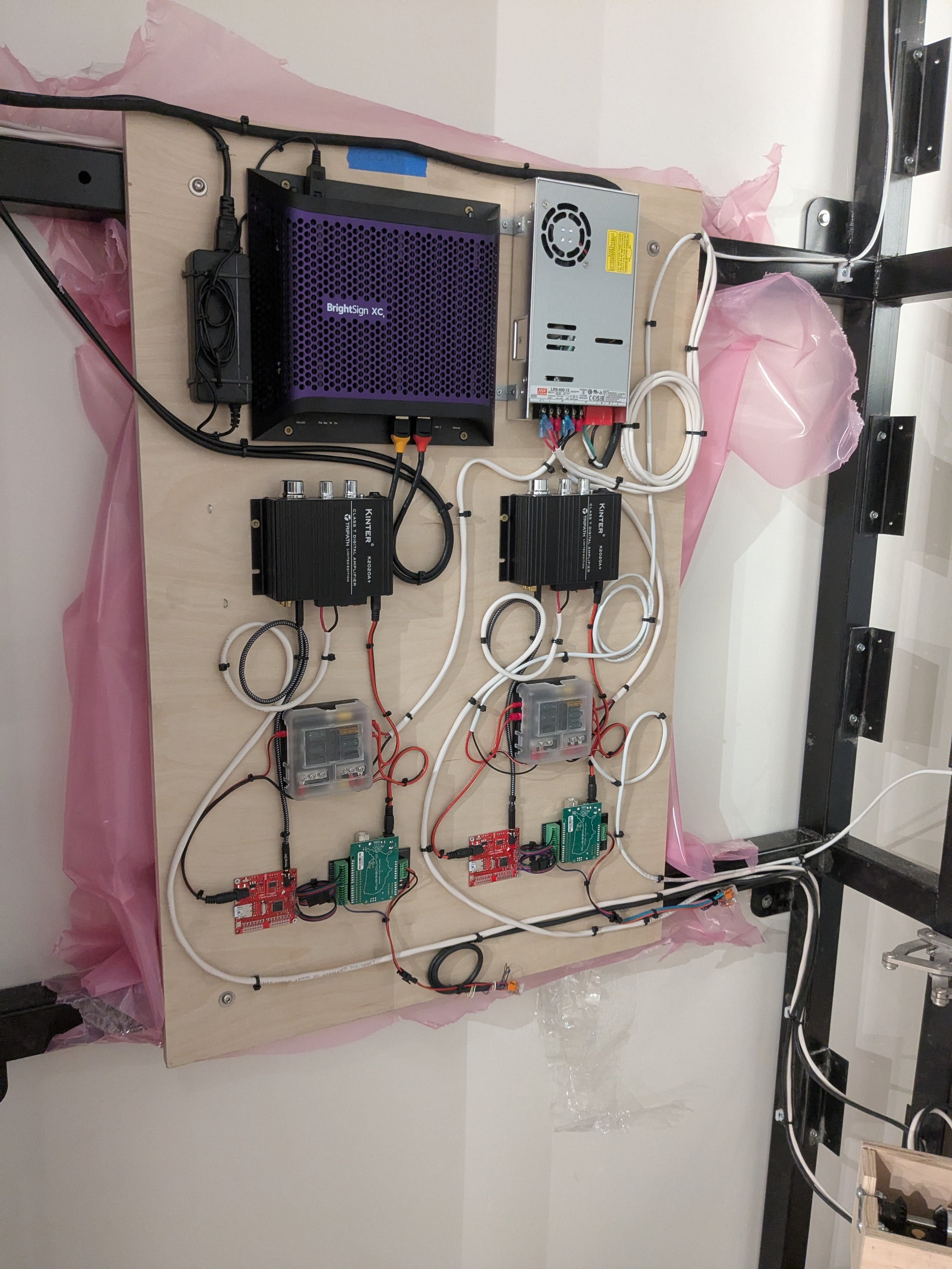
With an install with multiple components, it’s especially important to prepare thoroughly to minimize time on site. The interactive wall pictured at the top of this page was driven by a couple of tech panels. In the shop, I assembled and fully tested the tech panels for the wall with my primary goals being a quick install and great maintainability. The panels include a BrightSign for the main display, power for motors, and Arduino components for running a disk that users can spin to create fun noises. On site, installing the tech panels was as simple as running a few cables and everything was up and running.
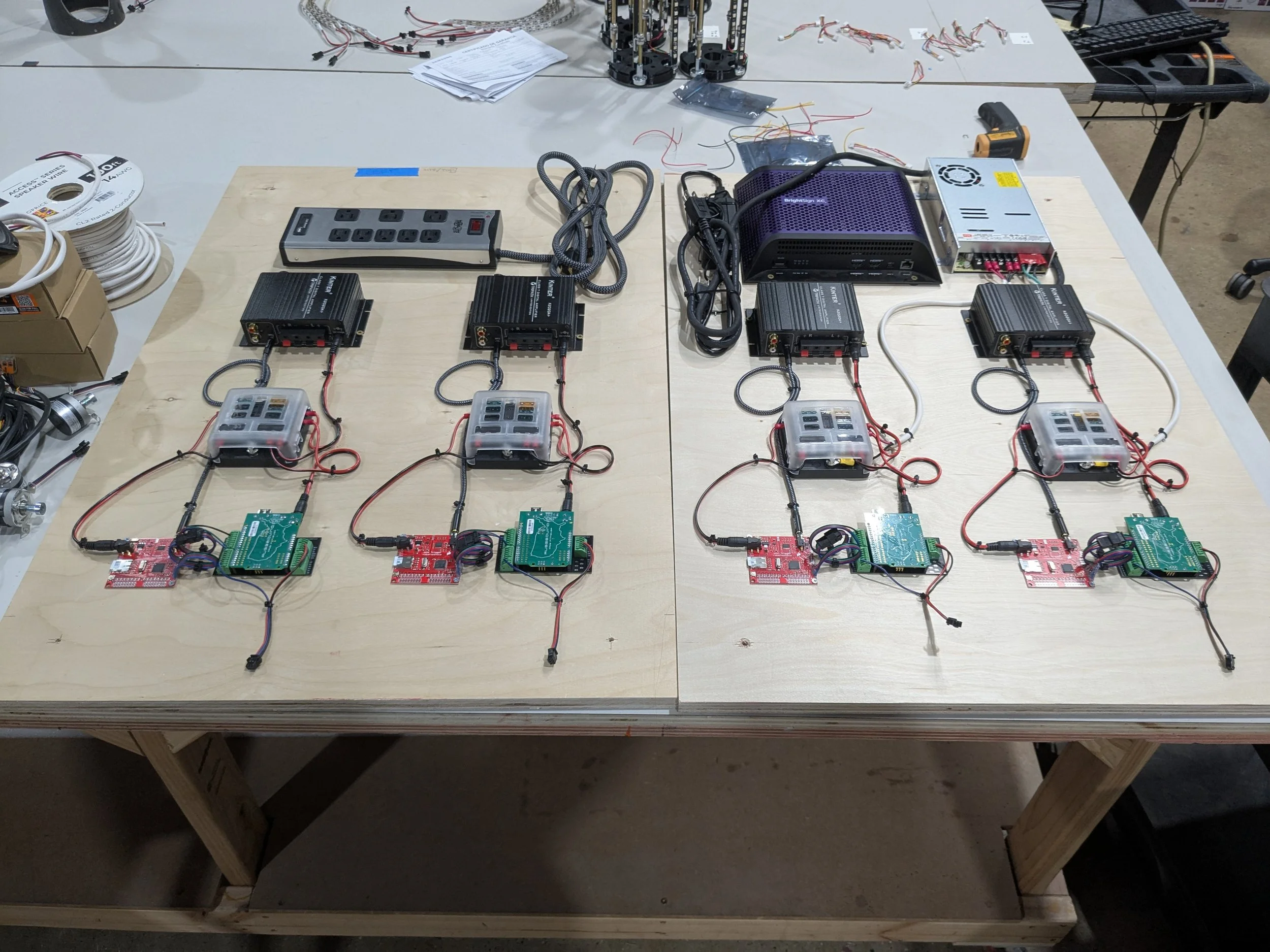
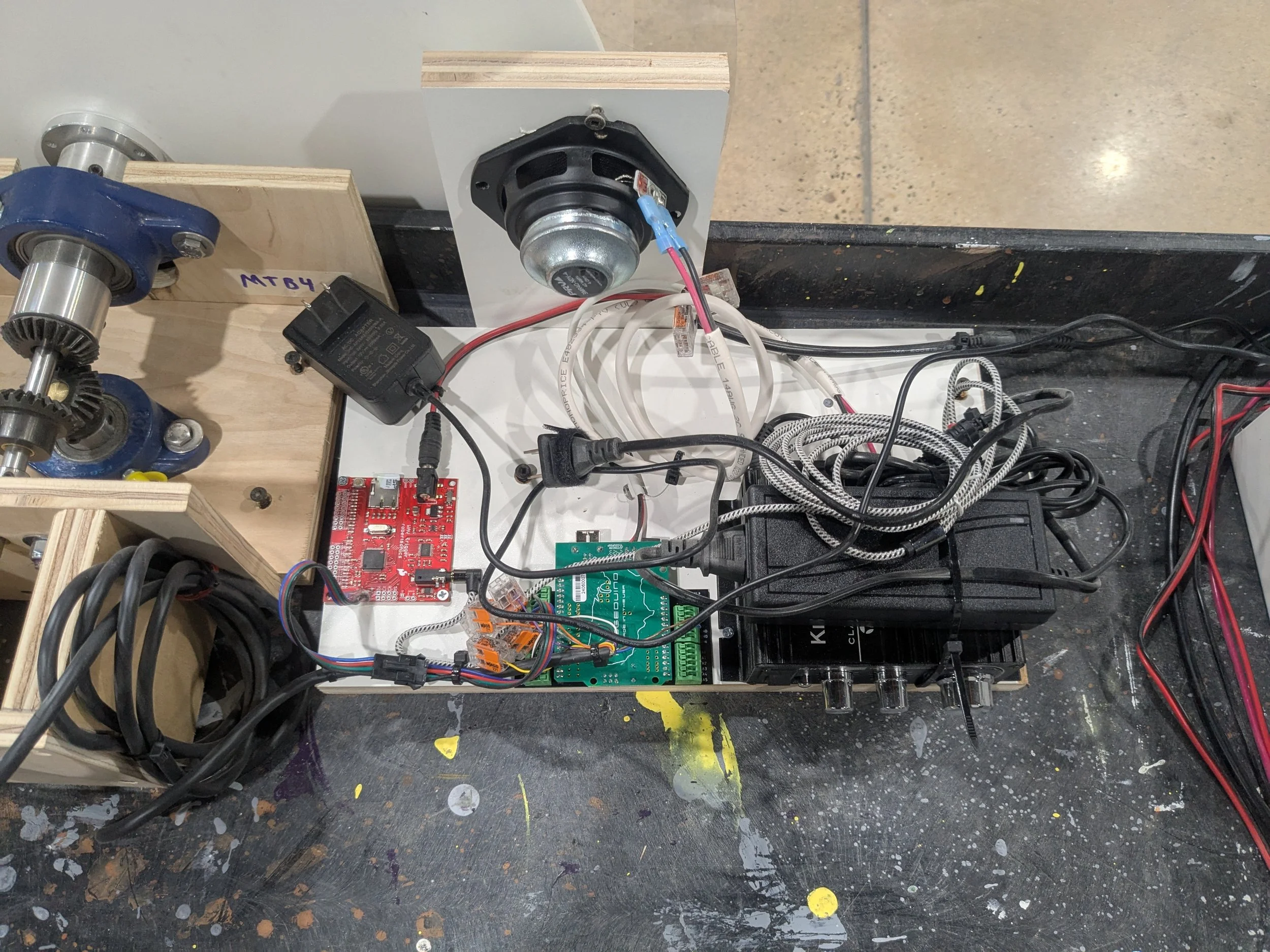
Here’s an early stage prototype of part of the tech panels shown above. Fab created a disk that users could spin. I threw on a rotary encoder and the components necessary to interpret the data and generate a silly noise. A few lines of Arduino code and a little bit of testing and I had something very similar to the final product.
Quickly attaching all components to a piece of scrap wood allowed me to prove out the concept with minimal time investment and with the flexibility to easily move back and forth between the tech and fabrication work spaces. It also gave me the information I needed to decisively communicate my requirements to the design team in terms of clearance, mounting, wiring space, and access panels.
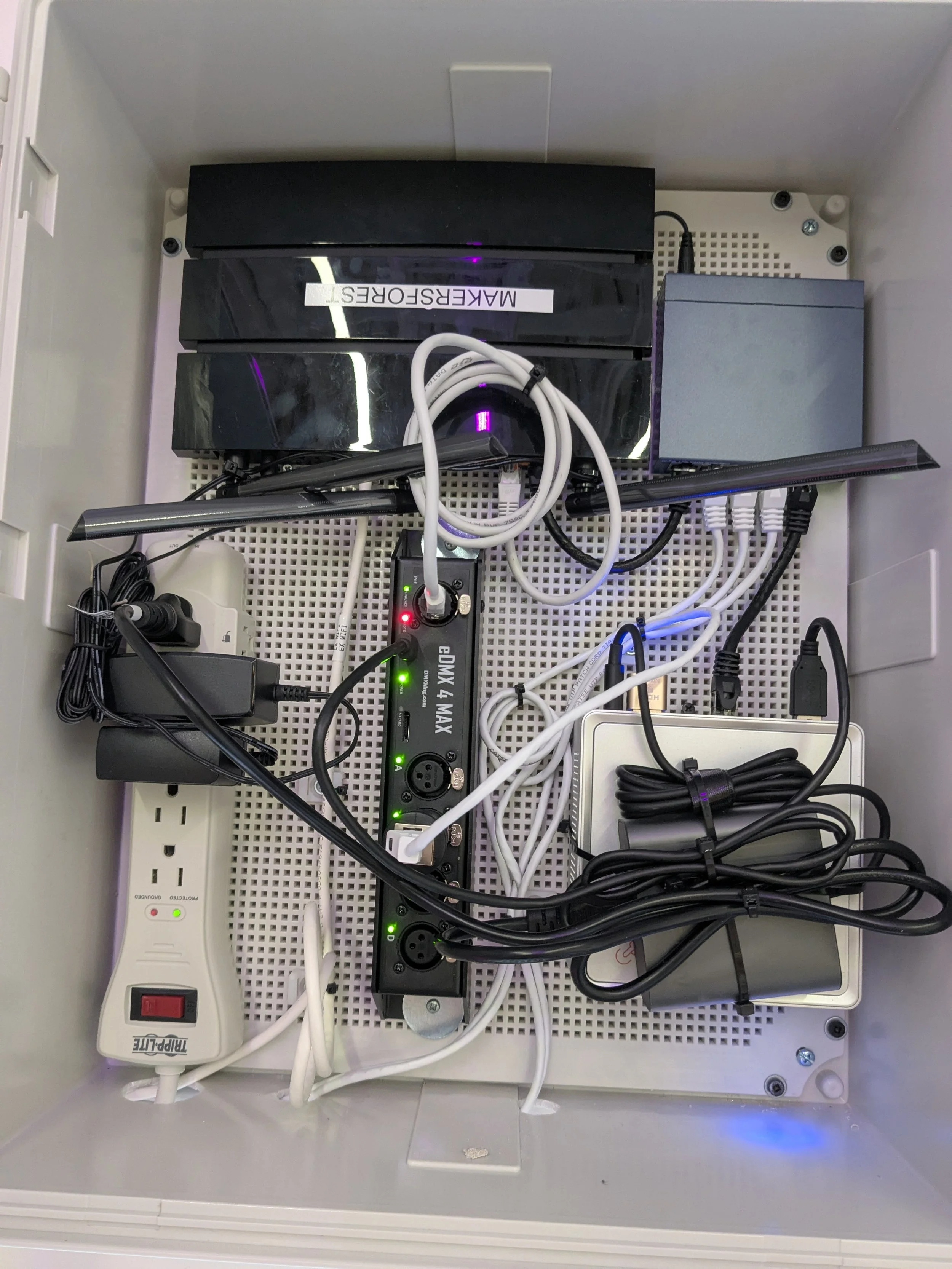
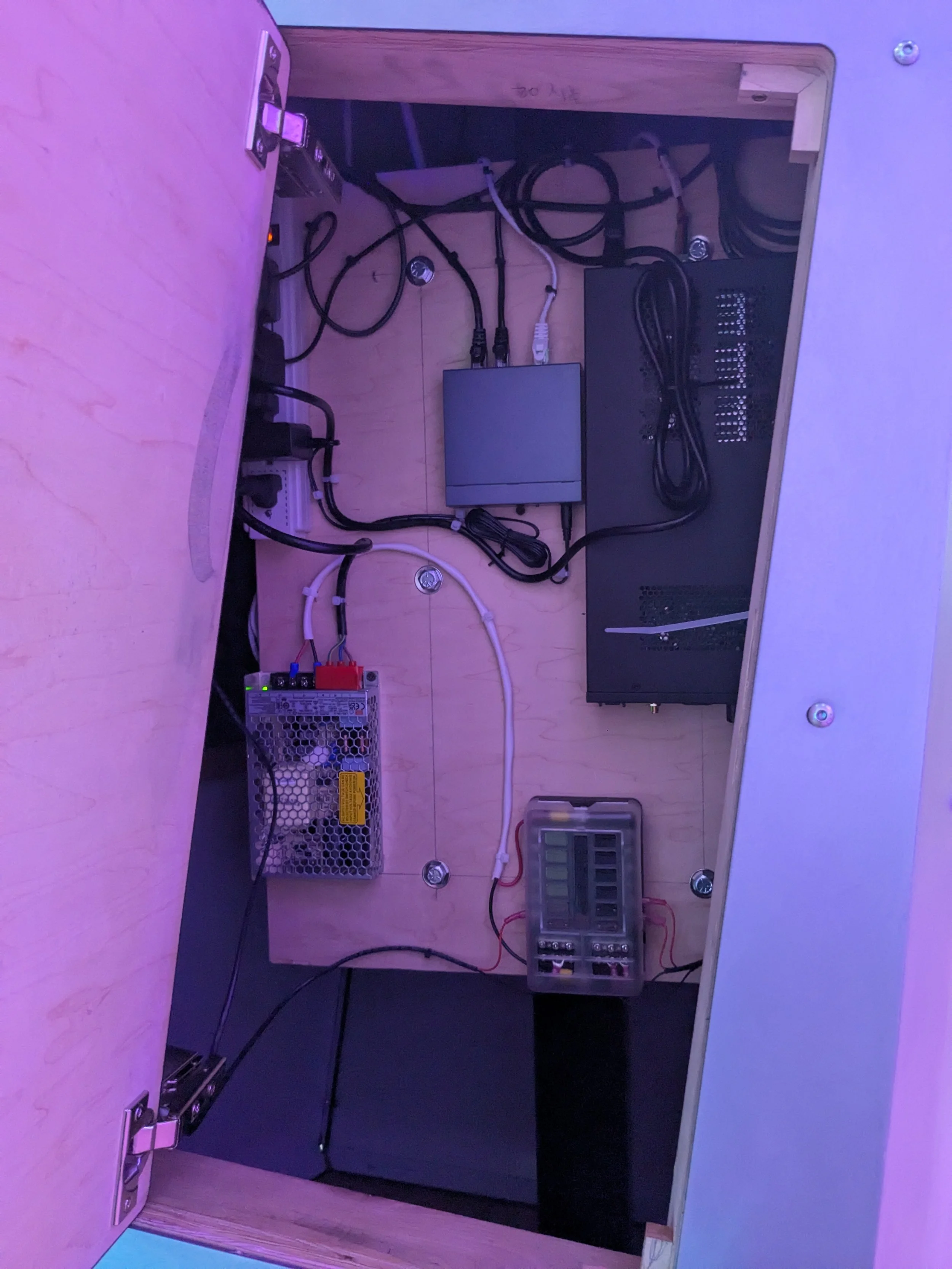
I created a simple networking enclosure to simplify install and make things easy for the client. The PC in this networking box is running a TouchDesigner application that receives commands from a user interactive tablet and outputs DMX data to control the lighting in the room. I also used this PC as the main remote troubleshooting PC; from here I could probe the network and all the other PCs and tablets on the LAN.
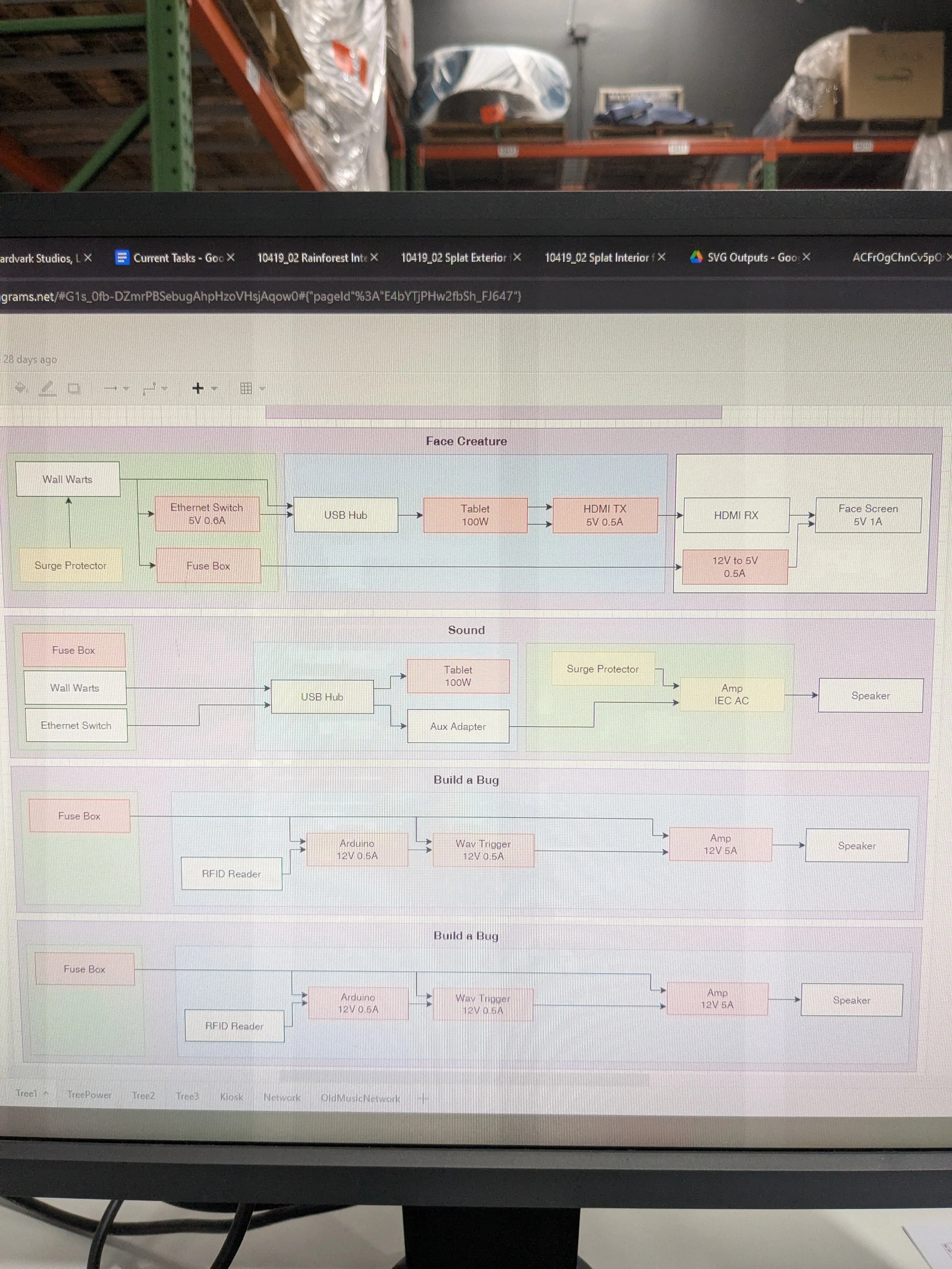
I highly value the importance of early planning. The final install only looked clean and worked with no issues because of the early stage prototyping and planning. The flow diagram shown is an example of how I like to document components and connections early on. For the rest of the project, these documents are a guide for sourcing, building, troubleshooting, and generally communicating my requirements to other teams such as how much space I need for mounting tech panels and wiring. They again come in handy later when handing off the final product to a client.
There were many elements to this project that required squeezing a lot of components into relatively small spaces. I heavily coordinated with design and fabrication to ensure that I had the space and access panels I needed. Strain relief and maintainability had to be carefully considered from early phases of the project to ensure the reliability of these elements.
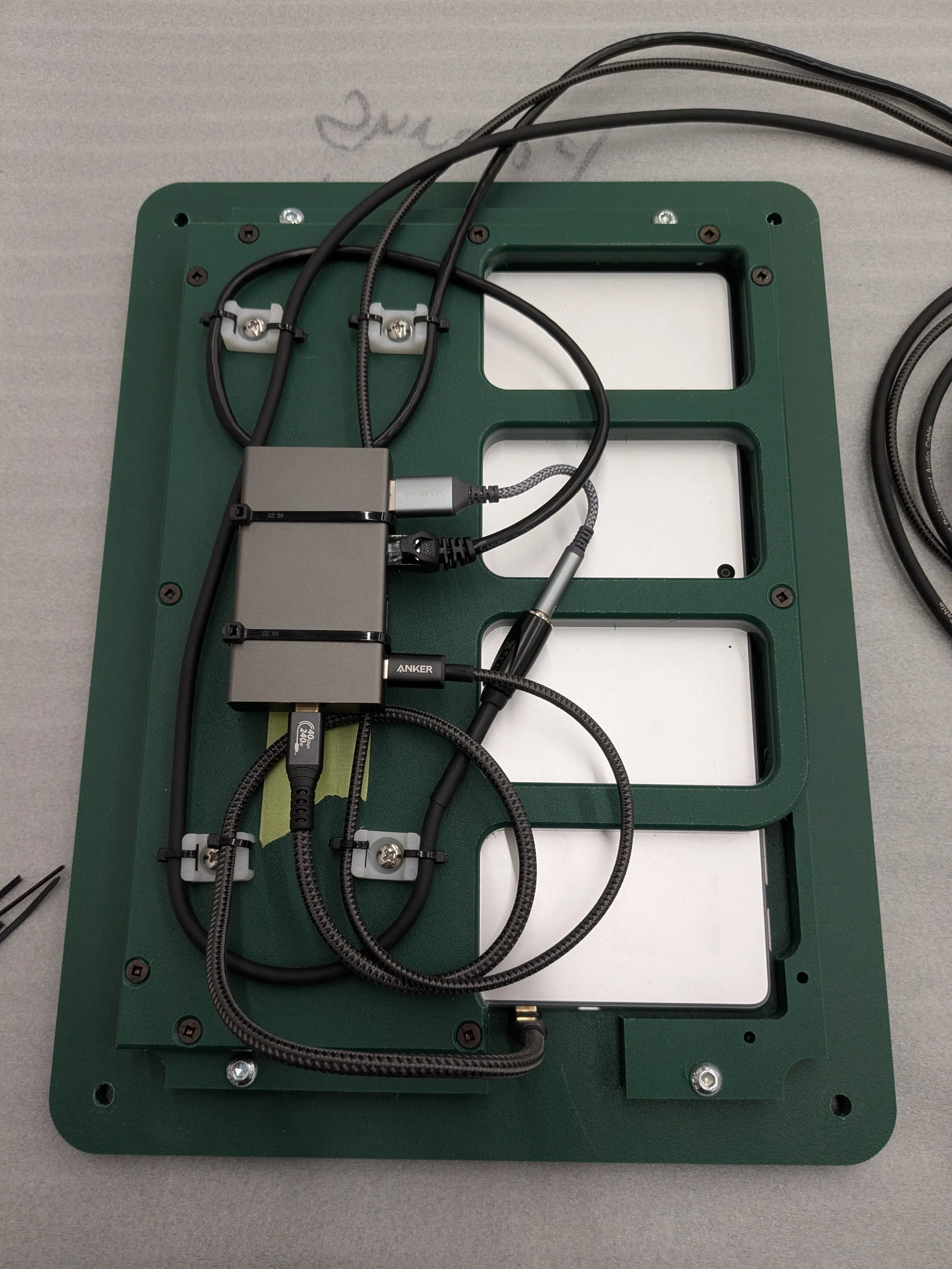
This project had a huge reward at the end. I got to see little kids playing with the things I had made. The kids loved seeing their faces on the body of an animal (my face pictured here) and that makes all the planning worth it!